Sue Solutions › Insights › Digital Care Planning System
Digital Care Planning System for Children's Homes
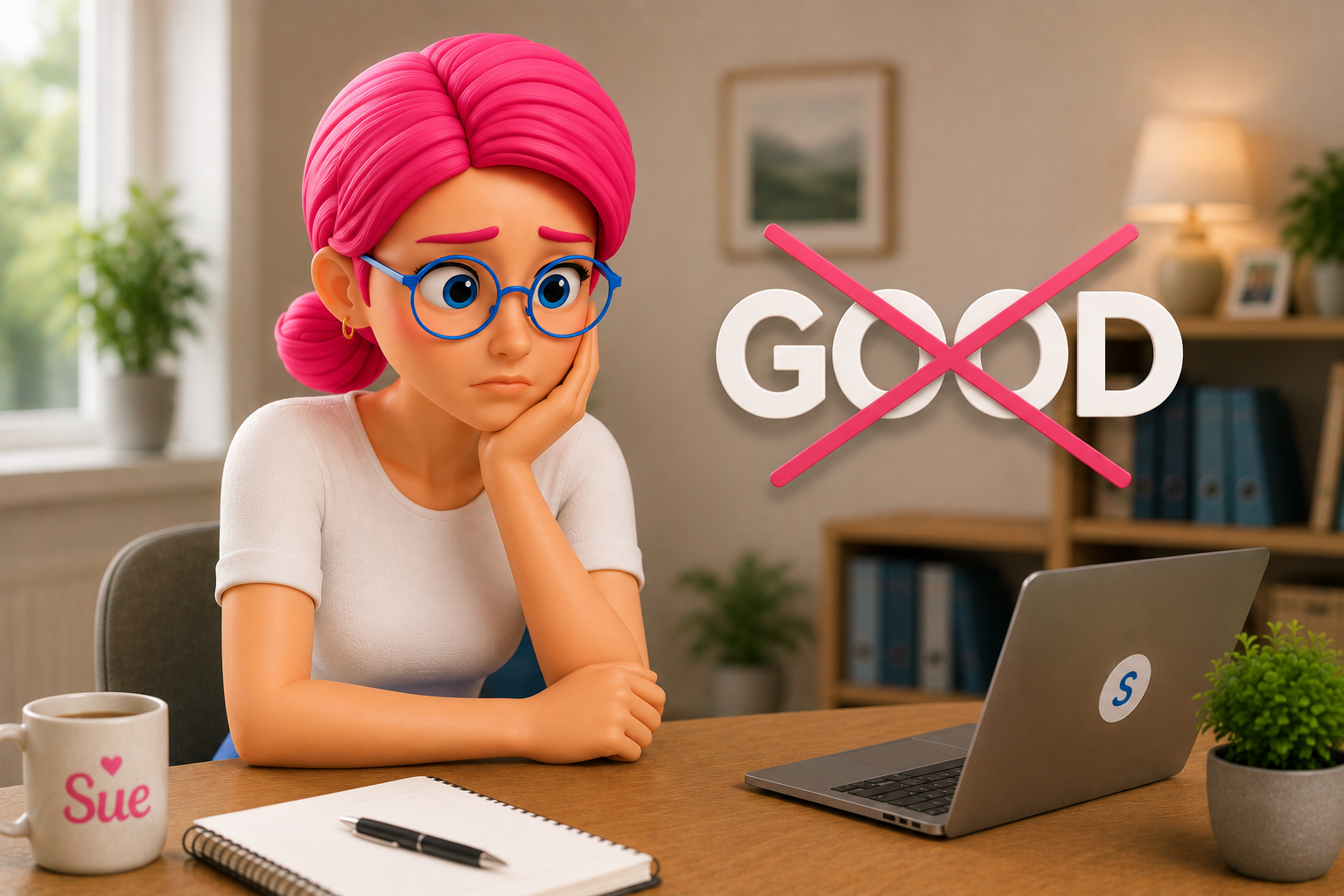
A Digital Filing Cabinet
Forms moved from paper to a screen, but nothing else changes. Staff still chase the latest version, managers still find out about gaps too late, and the system sits apart from incidents, risk and daily logs rather than connecting to them.
A Working Care Plan
Updates flow through the moment something changes. A manager can see which plans are current without asking. A risk that shifts on Tuesday shows up in the plan by Tuesday evening, not at the next scheduled review.
When a child's needs change, the plan around them needs to change too. That sounds obvious, yet in many children's homes the reality is still handwritten notes, duplicated updates, missing context and staff chasing the latest version of a care plan across folders, emails and handovers. A digital care planning system changes that. It gives teams one place to record, review and act on the information that shapes day-to-day care.
For children's residential services, that is not just an efficiency gain. It affects continuity, safeguarding, accountability and the confidence leaders have when Ofsted asks how a decision was reached. Good care planning is never only about paperwork. It is about making sure the right people know what matters, when it matters, and can respond with consistency.
What a Digital Care Planning System Should Do
At its best, a digital care planning system is not simply a digital version of a paper file. If it only moves forms from a cabinet to a screen, it solves very little. The real value comes when care planning becomes active rather than static.
That means staff can record updates in real time, managers can see whether plans are current, and leaders can track whether practice matches what has been agreed for each child. Information should be easy to enter, easy to find and easy to follow. If a key risk changes, if a behaviour support approach needs updating, or if a statutory review leads to a new action, the system should help that change move through daily practice without delay.
In children's homes, plans do not sit in isolation. They connect to incidents, key work, health information, education, missing from care episodes, safer recruitment, staff supervision and broader compliance activity. A useful system recognises those links. It helps teams move from fragmented records to a clearer operational picture.
Why Paper and Patchwork Systems Create Risk
Most providers do not choose messy processes because they suit them. More often, systems grow in pieces. One spreadsheet for training, another for audits, a shared drive for policies, paper logs for handovers, emailed updates for managers, and separate documents for placement plans or risk assessments. Each part may seem manageable on its own. Together, they slow everything down.
| Problem | What It Looks Like | What It Costs |
|---|---|---|
| Inconsistency | Different staff record the same kind of event in different formats | Patterns become harder to spot and harder to evidence |
| Delay | Updates wait for someone to retype notes later in the shift | Information arrives late, incomplete, or not at all |
| Weak oversight | Managers piece the truth together from five separate places | Control depends on time nobody quite has |
For multi-home organisations, this becomes even more serious. Senior leaders need visibility across services, not just confidence that each home is doing its best. They need to know where plans are overdue, where incidents are rising, where actions are outstanding and where support is needed before standards slip. A disconnected setup makes that far harder than it needs to be.
How Digital Care Planning Supports Better Care
Frontline teams tend to engage better with systems that are built well, because good systems save time at the point of work. If a careworker can update a record once, in the right place, and trust that the information is visible to the people who need it, admin stops feeling like a second job.
That matters because staff in children's homes are balancing emotional presence with procedural responsibility. They need to build relationships, respond to behaviour, manage routines, record significant events and stay aligned with each child's agreed support. When systems are clunky, the burden falls back on memory, workarounds and after-shift catch-up. When systems are clear, teams can stay more focused on the child in front of them.
A digital care planning system also helps with consistency across shifts. A child should not experience one approach from one member of staff and a different one from the next because key updates were buried in a notebook or missed at handover. Shared visibility supports shared practice. That does not remove professional judgement, but it gives staff a stronger foundation for using it.
What This Means for Managers and Leaders
Registered managers carry a heavy load. They are responsible for quality of care, staff performance, safer systems, regulatory compliance and the daily pulse of the home. They need detail, but they also need control, and a strong digital care planning system helps on both fronts.
Some teams worry that more visibility means more monitoring and less trust, and that concern is understandable. But in well-run services, visibility is not about catching people out. It is about offering support early, reducing ambiguity, and helping everyone stay informed and stay in control.
What to Look for in a Digital Care Planning System
Not every platform suits children's residential care. Generic care software may cover basic record keeping, but children's homes have specific operational realities, regulatory expectations and safeguarding pressures that generic systems were never designed around.
Usability comes first. If staff find it hard to complete records properly, adoption suffers and data quality follows it down. The system should feel straightforward for careworkers on shift while still tracking things like training compliance in the background for managers and leaders.
Role-specific design matters too. A careworker needs quick access to the right tasks and records. A manager needs oversight, alerts and review tools. A director needs wider reporting and performance visibility. Forcing every role through the same view tends to frustrate someone.
- Does it connect naturally to incidents, risk assessments and daily logs, or do those stay separate?
- Can it show patterns over time rather than just storing individual entries?
- Does it highlight missing reviews before they become a problem, not after?
- Can it help you prepare for scrutiny without pulling staff away from care for days?
- Was it built for residential childcare specifically, or adapted from something else?
These are the questions that tend to separate useful systems from expensive filing cabinets.
Implementation Is Where Good Intentions Succeed or Fail
Even the best system disappoints if implementation is rushed. Teams need clear onboarding, sensible configuration and support that understands residential childcare, not just software settings. This matters most for providers moving from paper or from a patchwork of older tools.
There is usually a short stretch where digital recording feels slower, while staff learn new habits and managers refine workflows. That is normal, not a sign it is going wrong.
The answer is not to retreat at the first wobble. It is to choose a provider that stays alongside you through that stretch rather than handing over a login and disappearing. It also helps to be honest about what software can and cannot do. A digital care planning system will not fix weak leadership, poor culture or unclear practice on its own. What it can do is make expectations clearer, surface issues sooner and reduce the admin load that often gets in the way of good management.
For providers in children's residential care, that balance matters. Technology should support professional care, not overshadow it. The right system gives structure without becoming a burden. It supports compliance without reducing children to checkboxes. It helps homes evidence what they do well while making it easier to spot where improvement is needed.
That is why choosing a specialist platform matters so much. In a setting where every record, action and decision carries weight, a generic solution rarely goes far enough. A purpose-built system, such as Sue Solutions, is shaped around the pressures children's homes face every day, not adapted from a sector that faces different ones.
If you are reviewing your current setup, the question is not only whether your records are digital. It is whether your team can rely on them, whether your managers can act on them, and whether your leaders can see the full picture without delay. When that answer is yes, care planning becomes more than administration. It becomes a steadier, safer foundation for the children who depend on you.

Sue Solutions connects care planning to incidents, risk and daily logs in one system, so nothing depends on someone remembering to pass it on. Built by people who worked in residential childcare and supports over 1,000 UK homes.
Book A Demo →Frequently Asked Questions
It should let staff record updates in real time, let managers see whether plans are current, and let leaders track whether daily practice matches what has been agreed for each child. If a system only moves paper forms onto a screen, it solves very little. The value comes from care planning connecting to incidents, key work, health, education and compliance rather than sitting apart from them.
Paper and patchwork systems create three problems: inconsistency, because different staff record things differently; delay, because updates that rely on retyping later are always at risk of being late or missed; and weak oversight, because managers have to piece the truth together from several places rather than seeing it in one.
Usability for staff on shift, role-specific views for careworkers, managers and directors, and genuine connection to incidents, risk assessments, daily logs, medication and compliance tracking rather than separate modules that never talk to each other. Reporting matters too: the system should surface patterns and missing reviews without pulling staff away from care to produce them.
Expect a short period where recording feels slower while staff learn new habits and managers refine workflows. That adjustment is normal and usually settles within the first few weeks. Providers who understand residential childcare, not just software configuration, tend to make that period shorter and less disruptive.