Children's Residential Care Platform For Children's Homes
In children's homes, admin is never just admin. A children's residential care platform matters not as another system to learn, but as the operational backbone that helps teams record clearly, act consistently, and keep their attention where it belongs: on young people. The right platform changes what the home can do.
What A Children's Residential Care Platform Needs To Do
Plenty of software claims to make work easier. In residential childcare, that promise only means something if the platform reflects the real pace and pressure of the home. Care teams are not working in neat, uninterrupted blocks of desk time. They are balancing safeguarding concerns, daily routines, medication, appointments, family contact, education updates, incident recording and the emotional needs of young people who may already feel unsettled.
A platform built for this environment should help staff capture the right information at the right time, without creating duplication. Managers need to monitor tasks, trends, staff performance and compliance without chasing paperwork across shifts. Responsible individuals and directors need clear visibility across one home or many, so issues are spotted early rather than discovered after they have become a risk.
That balance is harder to strike than it sounds. A system can be highly detailed and still be difficult for teams to use consistently. It can be simple to use but too light to support governance properly. The right platform lands somewhere specific: it turns chaos into calm without stripping away the detail that residential care demands.
Why Generic Systems Usually Fall Short
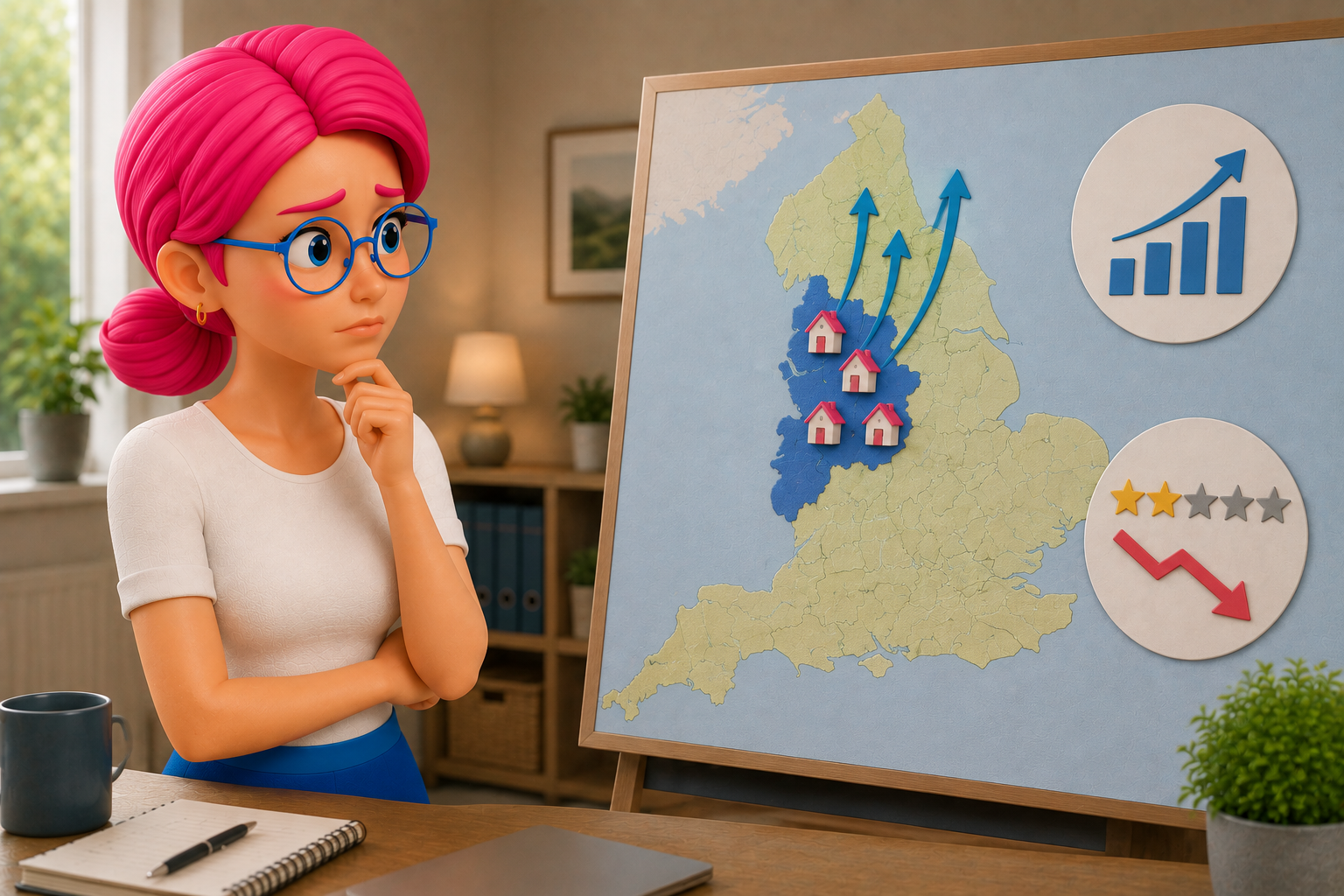
The children's home sector is heavily regulated and operationally specific. Generic care software, or systems adapted from adjacent sectors, often struggle because they were not built around the daily workflow of residential childcare.
The issue is rarely one missing feature. It is the cumulative effect of small mismatches: software adding to pressure rather than relieving it. When teams lose confidence in the data and leaders lose visibility, compliance becomes more reactive than controlled. The Children's Homes (England) Regulations 2015 and the Quality Standards that sit alongside them demand a level of operational rigour that generic platforms rarely make easy to demonstrate.
The Features That Make The Biggest Operational Difference
For most providers, the real operational difference shows up in three places.
Daily Recording And Handovers
Frontline teams need recording tools that are quick, clear and structured enough to encourage good practice. Daily logs, handovers, incidents, key work and health records should be easy to complete and easy to review. If staff have to work around the system to document important events, records will be delayed or stripped back to the minimum.
Getting information in is only part of it. Managers need to track patterns, review quality and check whether records reflect the care being delivered.
Compliance And Task Oversight
Managers carry a constant mental list: audits to complete, supervisions to schedule, training to monitor, documents to review, actions to follow up. A strong platform brings tasks into one place, flags what is due and stops important things drifting out of view.
This is where inspection readiness starts. The statutory guide to the Children's Homes Regulations sets out the Quality Standards that underpin this , and inspectors measure homes against them whether managers feel ready or not. Not in a frantic push before an Ofsted visit, but in everyday control. When actions, checks and oversight are built into daily operations, homes are far better placed to show consistency when scrutiny arrives.
Reporting For Managers And Directors
A manager needs operational detail about their home. A director needs to see trends across the organisation. A responsible individual usually needs both, and they need them without wading through everything that is not relevant to their role.
Reports should do more than export data. They should help leaders understand what is happening across incidents, missing from home episodes, medication, safeguarding concerns, staffing pressures and compliance actions. For a single-home provider, good reporting brings reassurance. For a group running several homes, it is harder to overstate how quickly growth without visibility becomes a risk.
What To Ask Before You Choose A Children's Residential Care Platform
Buying software for a children's home is not just a tech decision. It is an operational decision, a compliance decision and a culture decision.
Does the platform reflect the actual workflow of a children's home? Not a generic care setting. Residential childcare has its own pace, language, responsibilities and regulatory expectations. If those are missing, teams will feel it immediately.
How does it work for different roles? What does a night staff member need at the end of a demanding shift? What does a registered manager need first thing on Monday? What does a director need when reviewing performance across the organisation?
How does it support consistency? Can records be standardised without becoming rigid? Can managers monitor completion and quality easily? Can leadership teams identify emerging concerns before they become larger problems?
What does implementation look like? Even the right platform needs a practical rollout. Teams need confidence, not just access. A supplier that understands the sector should hold your hand every step of the way.
How A Good Platform Affects Different Roles
Why The Right Platform Supports Better Care, Not Just Better Admin
Poor administration and poor care are more connected than they first appear. When records are patchy, tasks are missed, incidents are hard to analyse and leaders lack visibility, teams spend more time firefighting than they do acting with confidence. When records are patchy, tasks are missed, incidents are hard to analyse and leaders lack visibility, teams spend more time firefighting and less time acting with confidence.
A well-designed children's residential care platform creates a calmer foundation. It gives staff clearer processes, managers better oversight and leaders evidence, accountability and control. It helps the whole organisation operate in a way that is safer, more consistent and less reactive.
Software will not replace sound leadership, stable staffing or thoughtful care practice. But the right platform makes those strengths easier to sustain. That practical foundation is what the right platform is for.
If your current setup still relies on workarounds, duplicated notes or fragmented oversight, the question is worth asking: is the system helping the home run well, or is it asking people to work harder to compensate for it?
Frequently Asked Questions
It should help staff capture the right information at the right time, support managers to monitor tasks, trends and compliance without chasing paperwork, and give responsible individuals and directors clear visibility across one home or many. It should serve the real pace and pressure of residential childcare, not a generic care setting.
Generic care software was not built around the daily workflow of residential childcare. Forms don't reflect residential processes, reporting is too broad and incident records are hard to analyse. Managers end up needing workarounds for audits, staff keep parallel notes, and the cumulative effect of small mismatches adds to pressure rather than relieving it.
Daily recording and handovers, compliance and task oversight, and reporting for managers and directors. Recording tools need to be quick, clear and structured. Compliance tracking should bring tasks into one place and flag what is due. Reporting should help leaders understand what is happening across incidents, medication, safeguarding and staffing, not just export raw data.
For careworkers the benefit is less duplicate entry, clearer expectations and better handovers. For registered managers it is control over what has been completed, where risks are building and where staff need support. For responsible individuals and directors it becomes a governance tool, giving confidence that homes are operating as expected and making it easier to spot issues early.