Switching To Children's Home Software That Fits
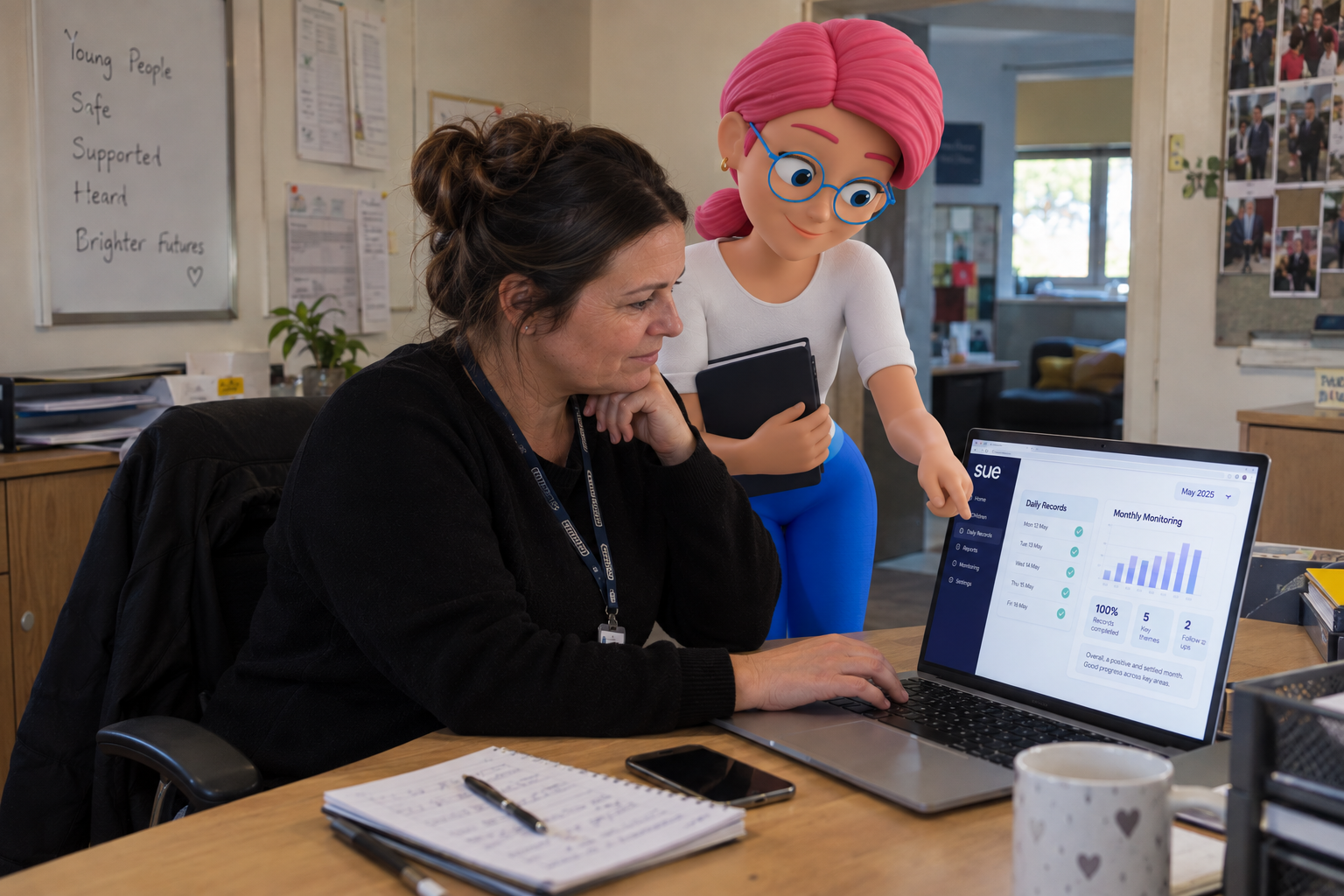
If your recording system was not built for children's residential care, the pressure usually shows up in the same places, staff duplicating records, managers chasing updates, and forms that do not quite fit the work. Switching to purpose built children's home software means the records, workflows and reporting are shaped around the way a home really runs. Done in phases, with the essential records moved first, the change is usually measured in weeks and need not disrupt the care of the young people living there.
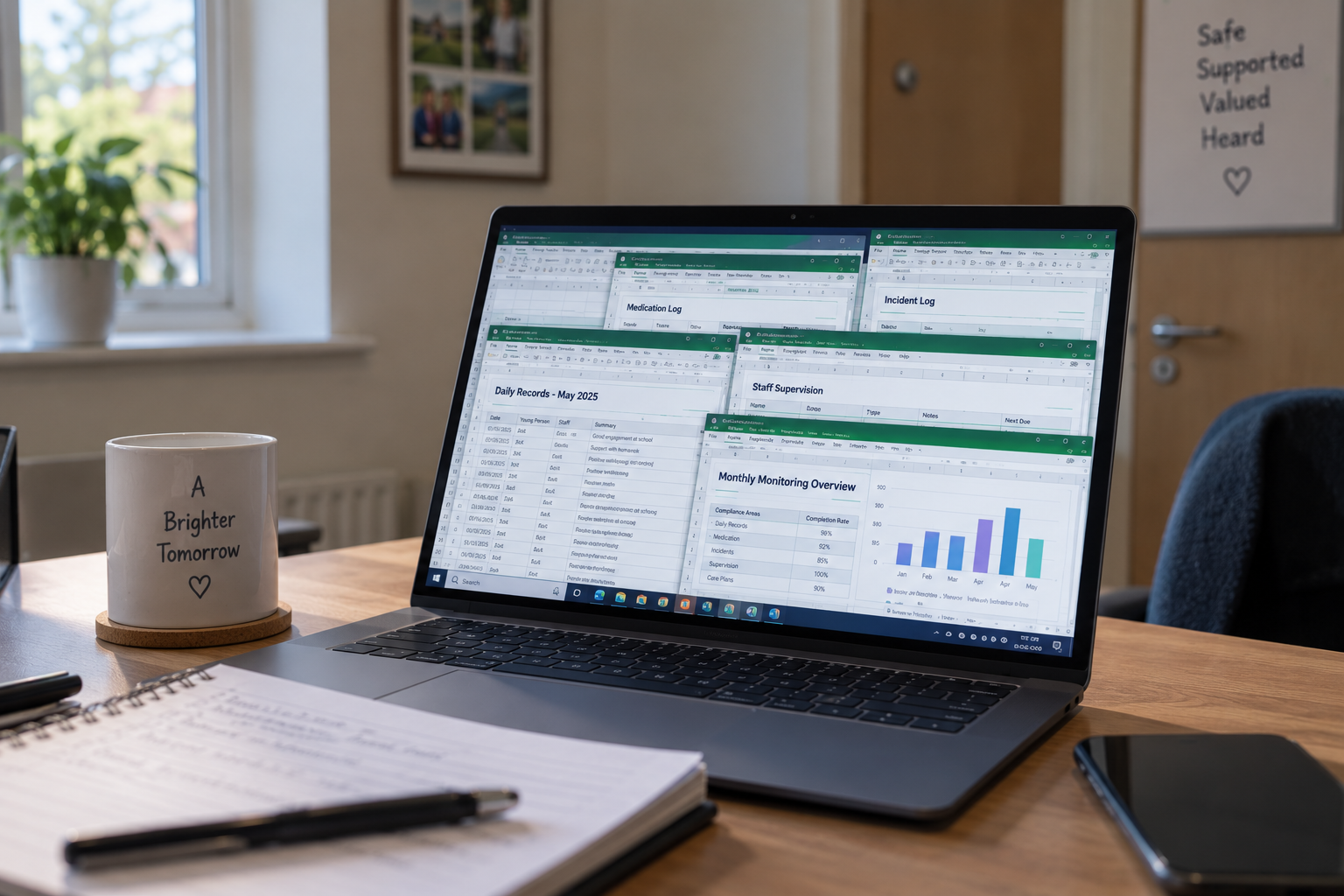
Plenty of children's homes start out on whatever system was to hand, a broad platform, a set of spreadsheets and shared drives, or a mix of tools that each do part of the job. It holds together for a while. Then the home grows, or an inspection looms, or a serious incident needs a clear trail, and the case for something shaped around the sector gets stronger. This is a guide to knowing when a purpose built fit would help, what a sector-specific system gives you, and how to move across without the switch itself becoming the disruption.
What A Children's Home Needs From Its Software
Children's residential care has its own language, records and regulatory framework. A home works to the Children's Homes Regulations 2015 and the Quality Standards, and if it also runs supported accommodation, to that separate framework alongside. The safeguarding duties, the placement records, the missing from home process and the child's voice all sit at the centre of the work, so they need to sit at the centre of the system too.
When a system is shaped around another kind of service, some of that has to be recreated by hand. Teams end up keeping a side note for the things the system was not designed to hold, or entering the same information twice. None of that is anyone doing the wrong thing, it is simply what happens when the tool was made for a different job, and it quietly costs time and clarity every shift. A system built for the sector removes that gap, because the records it expects are the records a children's home already keeps.
The work of a children's home should have somewhere to live that already understands it.
What Purpose Built Children's Home Software Holds
A sector-specific platform is designed around the responsibilities that shape the home every day. The value shows up record by record, in the way the everyday work of the home already has a place to go. Here is what that looks like across the areas that matter most.
| In the home | What purpose built software holds |
|---|---|
| Daily recording | Logs, key work and significant events in the language of the sector |
| Safeguarding | Structured concern, escalation and follow-up with clear ownership |
| Missing from home | A defined episode record with the actions that should follow |
| Risk and care plans | Live plans with review dates and a history of changes |
| Inspection evidence | A current trail that reflects the Quality Standards as you go |
| The child's voice | Captured as part of the record rather than added afterwards |
The value of a purpose built system is not a longer feature list. It is that the everyday work of the home has somewhere to live that already understands it, from daily logs and incident workflows through to care plans that stay current as live records.
Signs You Have Outgrown Your Current System
Most providers know the fit has gone before they act on it. The feeling is usually that the system creates work rather than saving it. A few patterns tend to show up together, and if several feel familiar, it is worth looking at a move.
- Staff keep a spreadsheet or notebook alongside the system for things it does not cover
- The same information is entered more than once across different forms
- Managers chase people to find out whether tasks and actions are done
- Inspection prep means assembling evidence by hand rather than drawing on what is there
- The forms and language do not quite match residential childcare
- Opening a second home means rebuilding the same manual steps from scratch
None of these is a failing on the team's part. They are signs the system underneath has reached its limit, and that the effort of working around it has started to outweigh the effort of moving. The tools a manager relies on should join up safeguarding, compliance, workforce and reporting rather than leaving each in its own place.
What To Look For When You Switch
If you are moving, it is worth being clear about what good looks like, so the next system is one you grow into rather than out of. A handful of things matter more than the rest.
Records And Workflows Built For The Sector
The forms should reflect residential childcare without reworking, and the workflows should follow the shape of a real shift. If capturing the child's voice, linking an incident to a plan and closing an action are quick to do, staff do them, and the records stay reliable.
Live Plans, Not Just Stored Files
Risk assessments, behaviour support plans and care plans should be held as live records with review dates and a history of changes, not uploaded documents that quietly go out of date. Document storage has its place for external paperwork, but it does not give the same oversight.
Role-Based Access And Audit Trails
Careworkers, managers, responsible individuals and directors should each see what their role needs, with a clear record of who added or amended what and when. That protects staff, supports oversight and saves time during an inspection or a safeguarding review.
Reporting And Oversight Across Homes
Managers need to see overdue reviews and open actions without pulling separate reports, and for a growing group, oversight across homes matters as much as recording within one. A system that works at single home level and scales is one you will not outgrow at the next home.
How To Switch Without Disrupting Care
The worry that holds most homes on a system past its usefulness is the switch itself. It is a fair worry, because continuity for young people has to come first. But a handled move is a planned project rather than a leap, and it tends to follow the same sensible shape.
- Map how the home really works Before anything moves, set out the records you keep, the workflows staff follow and the compliance data you rely on. This is also where the quiet workarounds surface, so nothing is lost when the old system is switched off.
- Move the records that matter first Bring across the essential active records, current compliance data and key staff information to start. Moving everything at once clutters the new system, and moving too little leaves managers working across old and new for months, so a sensible middle ground is the aim, with archived material handled separately.
- Train each role for its own work Careworkers learn recording, managers learn oversight, leaders learn reporting. Training that speaks to a real shift lands far better than a one-size tour of the software, and it is what turns a new system into one the team relies on.
- Phase what you expect In the early weeks the aim is simply consistent recording in the new system. Then managers lean on reporting, then leaders build cross-home oversight. Trying to perfect every workflow at once creates frustration where a phased approach builds confidence.
The switch should be led by people who know children's homes. A supplier who understands the sector recognises the common sticking points and the difference between a technical issue and an operational one, which is what keeps a move smooth. Our worked implementation example shows how a rollout tends to play out across the first few months.
Making The Case Internally
Switching a system is a decision several people need to be comfortable with, and each will weigh it differently. Frontline staff want to know it will make a shift easier, not add clicks. Registered managers want oversight and less chasing. Responsible individuals and directors want governance, reporting and the confidence that the same standards hold across every home. A move earns its place when it answers all three, which is easier to judge if you involve those roles in the demo rather than deciding for them.
It helps to be honest that a switch takes planning and a little short-term effort. The question is whether the current system is quietly costing more than that every month, in duplicated work, chased updates and inspection scrambles. For most homes that have reached that point, the steadier footing of a system built for the sector is worth the move, and the care of the young people is what a better fit ultimately protects.
Frequently Asked Questions
The records, the language and the regulatory framework. A children's home works to the Children's Homes Regulations 2015, the Quality Standards and Ofsted's inspection framework, with key work sessions, missing from home episodes, placement records and the child's voice at the centre. Software built around those, rather than adapted from another kind of service, lets staff record in the sector's own terms instead of recreating them by hand.
The usual signs are staff duplicating the same information across forms, managers chasing updates to see what has been done, forms that do not reflect residential childcare, and inspection prep that means assembling evidence by hand. When workarounds start piling up and the system cannot show the child's story clearly, it is usually holding the home back rather than supporting it.
Not with a handled migration. A sensible approach brings the essential active records, current compliance data and key staff information across first, with archived material handled separately. Moving everything at once tends to clutter the new system, and moving too little leaves managers switching between old and new records for months, so the middle ground is the aim.
It depends on the size of the provider, but a phased switch is usually measured in weeks rather than months. Early on the focus is consistency of recording in the new system, then managers use reporting more actively, then leaders build cross-home oversight. Sector-specific support that understands how a home runs makes the change far smoother, because the people helping you already know the workflows.
Records and workflows that match residential childcare, structured safeguarding and incident processes with clear ownership, live risk assessments and care plans rather than uploaded files, role-based access and audit trails, and reporting that answers real questions about reviews, incidents and compliance. Above all, it should be quick enough for staff to use on a busy shift, because that is what makes the records reliable.